

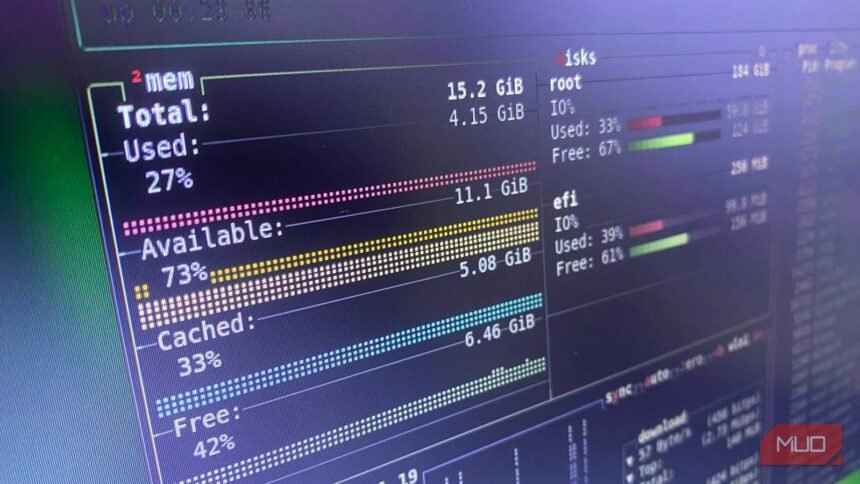
A New Era in Linux Process Monitoring
For many Linux users, the top command is the default go-to when dealing with processes that hog CPU resources. However, this traditional approach may not be the most efficient way to manage system resources. Upon discovering alternative terminal tools, users can elevate their Linux experience to new heights.
The top command, while effective, can be somewhat limited in its functionality. It provides a list of processes and their corresponding CPU usage, but it lacks in-depth analysis and customization options. This is where alternative tools come into play, offering a more comprehensive and user-friendly experience.
Exploring the Alternatives
Some of the notable alternatives to the top command include htop, atop, and glances. These tools provide a more detailed overview of system processes, including CPU, memory, and disk usage. They also offer customizable options, such as filtering and sorting, to help users quickly identify and manage resource-intensive processes.
- htop: A popular alternative to top, offering a more interactive and customizable interface.
- atop: A tool that provides a detailed analysis of system processes, including CPU, memory, and disk usage.
- glances: A versatile tool that offers a comprehensive overview of system resources, including CPU, memory, and network usage.
By embracing these alternative terminal tools, Linux users can streamline their workflow, improve system performance, and gain a deeper understanding of their system’s inner workings.