

Streamlining the User Experience
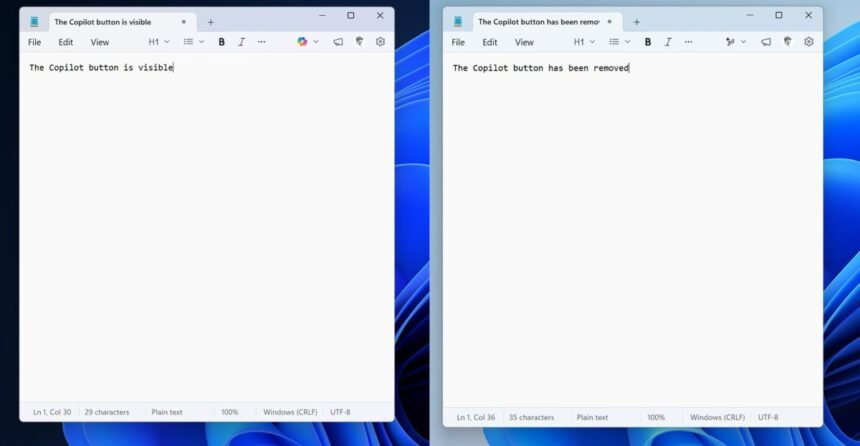
Microsoft is taking steps to enhance the usability of Windows 11 by removing unnecessary Copilot buttons from various apps. This move is aimed at decluttering the interface and providing a more streamlined experience for users. The apps that will no longer feature these buttons include Notepad, Snipping Tool, Photos, and Widgets.
The decision to remove the Copilot buttons is likely a response to user feedback, which suggested that these buttons were not only unnecessary but also caused clutter on the screen. By removing them, Microsoft is simplifying the layout of these apps and making it easier for users to navigate and focus on their tasks.
Enhancing Productivity
The removal of Copilot buttons is expected to have a positive impact on user productivity. With fewer distractions on the screen, users can concentrate on their work without unnecessary prompts or clutter. This move is in line with Microsoft’s goal of creating a more intuitive and user-friendly interface for Windows 11.
- Notepad: A simple text editing app that no longer requires Copilot integration.
- Snipping Tool: A utility app used for capturing screenshots, which does not need Copilot buttons.
- Photos: An app for viewing and editing photos, where Copilot buttons were not essential.
- Widgets: A feature that provides quick access to information, which can function effectively without Copilot integration.
By removing unnecessary features and focusing on simplicity, Microsoft is demonstrating its commitment to listening to user feedback and continuously improving the Windows 11 experience.