

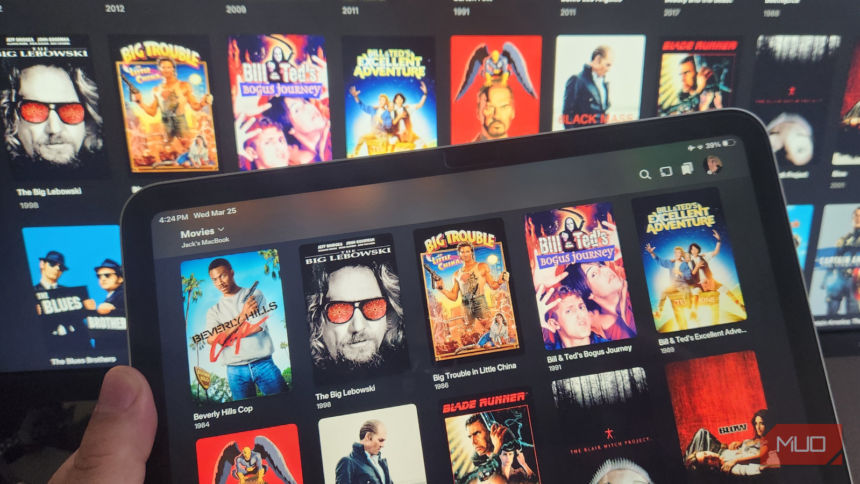
The Frustration of Buffering: A Common Plex Problem
For many of us, sitting down to enjoy our favorite shows or movies on Plex is often met with an unwelcome guest: buffering. The endless spinning wheel and pause in playback can quickly turn an exciting night in into a frustrating experience. A glance at online forums, such as Reddit, reveals that this issue is not isolated, with numerous posts over the years from users seeking solutions to this persistent problem.


A Solution Emerges: Tweaking Plex Settings
Fortunately, the solution to this frustrating issue might be simpler than you think. By adjusting just a few settings within Plex, users can significantly improve their streaming experience, essentially bidding farewell to buffering. The key lies in understanding how Plex operates and making a few strategic tweaks to optimize performance.
Among the first settings to consider is the bitrate. Adjusting the bitrate can make a substantial difference in streaming quality, especially for those with less robust internet connections. Lowering the bitrate can help reduce the demand on your connection, thereby decreasing the likelihood of buffering.
Additional Settings for Enhanced Performance
- Direct Play and Direct Stream: Enabling these options can help bypass unnecessary transcoding, which can be a major cause of buffering, especially for devices that don’t support the file format of the media being streamed.
- Buffer Settings: While it might seem counterintuitive, adjusting the buffer settings can actually help improve the streaming experience. Finding the right balance can ensure that your streams start quickly without interruption.
Implementing these changes can lead to a significant reduction in buffering, making your Plex experience smoother and more enjoyable. It’s a quick fix that requires minimal technical expertise, making it accessible to all users.