


In an era of increasingly sophisticated cyber-attacks and growing concerns around online privacy, the platform Facebook (owned by Meta Platforms) remains a target for hackers, phishing attempts and account take-overs. Recent data shows that billions of credentials have been exposed, and Meta has introduced enhanced recovery and authentication tools to help users stay safe.
Given this elevated risk, it’s more important than ever for Facebook users to proactively secure their accounts. Below is a step-by-step guide to lock down your account, including newly available features, plus tips to avoid common pitfalls.
Step 1: Choose a Unique, Strong Password
Start by changing your password to something strong and unique — one that you’re not using for any other account. Use a mix of uppercase + lowercase letters, numbers and symbols. Avoid names, birthdays or obvious words.
Tip: Use a trusted password manager so you can generate and store long, random passwords without needing to remember each one.

Step 2: Enable Two-Factor Authentication (2FA)
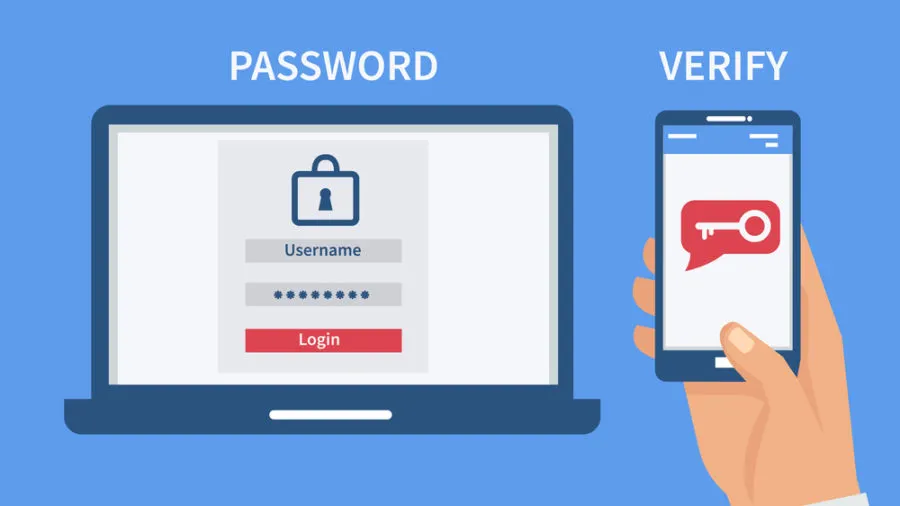
Go to Settings → Password & Security → Two-Factor Authentication. This adds a second step when someone logs into your account (e.g., a code via authenticator app or SMS). Even if someone gets your password, this makes access much harder.
Tip: Prefer using an authenticator app or hardware key rather than SMS when possible — SMS can be intercepted.

Step 3: Review Saved Login & Active Sessions
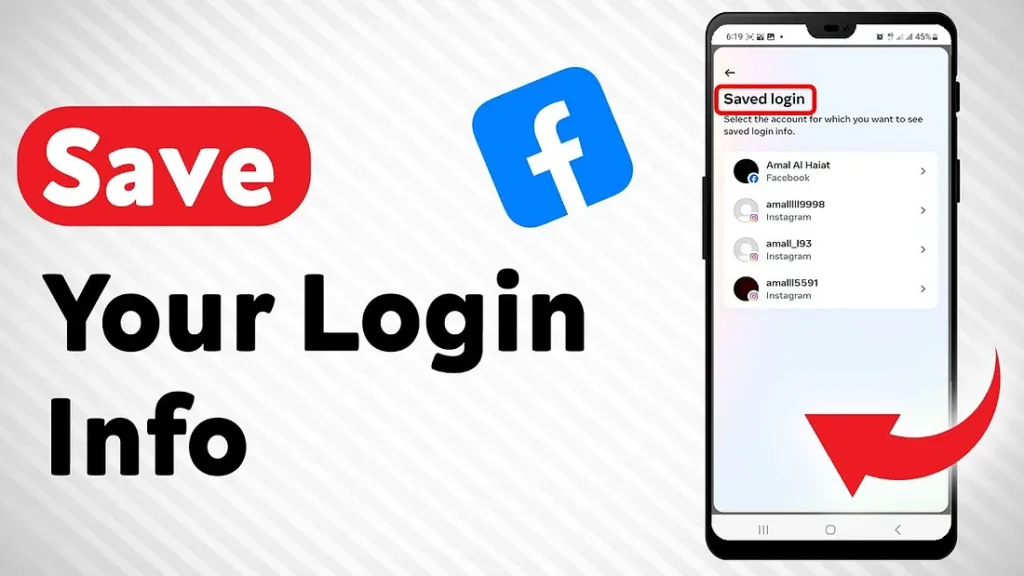
In the security settings you’ll find a list of devices and locations where you’re logged in (“Where you’re logged in”). Review it and log out of any devices you don’t recognize. Also, remove unused third-party app permissions.
Tip: Set a reminder every 3-6 months to check this list.

Step 4: Set Up Login Alerts & Email Notifications
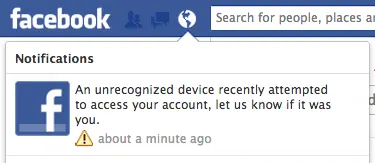
Turn on alerts for unrecognized logins: you’ll receive an email or notification when your account is accessed from a new device or location. If you get one you don’t recognize, act immediately — change your password and log out of all sessions.


Step 5: Use Passkeys (If Available)
Meta recently announced support for passkeys — a login method using your fingerprint/face or device PIN instead of a password. This method is highly resistant to phishing because the login is bound to the legitimate site.
Tip: If your device and Facebook app support passkeys, enable them for your account to get next-level protection.
Step 6: Complete the Security Check-Up & Use the New Support Hub
Meta has rolled out a redesigned “Security Check-Up” tool for Facebook (and Instagram) that guides you through reviewing your security settings. Also noteworthy: a new centralized support hub is now live, designed to help users recover accounts more easily if they’re locked out or hacked.
Tip: If you ever suspect your account is compromised, use the support hub to report and recover access promptly.
Step 7: Be Vigilant Against Phishing & Suspicious Behaviour
Even with strong technical protections, your account can still be compromised if you fall for a phishing scam or click a malicious link. According to security research, attackers in 2026 use sophisticated methods such as login page cloning, session token interception and browser-based attacks.
Some common red flags:

- Unexpected friend or message requests from people you don’t know.
- Emails or messages claiming urgent action (e.g., “Your account will be deleted unless you…”).
- Links that redirect you to login pages with slightly different URLs.
Tip: Always check the URL, look for the padlock icon, and when in doubt, type facebook.com manually rather than clicking a link.

Step 8: Regularly Update Recovery Options
Ensure your account has an up-to-date recovery email and phone number. Consider adding trusted contacts who can help if you lose access. Review third-party apps connected to Facebook and remove those you no longer use or trust.
Why These Steps Are Now More Critical
- A massive credential leak exposed up to 16 billion login credentials in 2026 — including many for Facebook.
- Meta reports that account hacks on Facebook and Instagram have decreased by more than 30% globally after deploying enhanced AI security and support tools.
- The new centralized support hub means recovery is easier — but prevention remains far better than cure.
Authoritative Sources for Further Reading
- Facebook Help Centre: “Account Security — How to keep your account secure and protect yourself from phishing”
- Meta Newsroom: “Making it Easier to Access Account Support on Facebook and Instagram” (Dec 4, 2026)
- Security blog: “How to protect your Facebook account from hackers in 2026”

